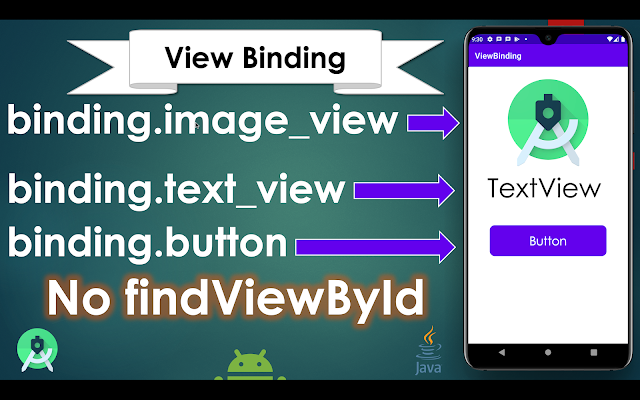
View Binding | Android Studio | Kotlin

Implementing View Binding in Android Studio Intro: The View binding is a feature that allows you to more easily write the code that interacts with views. Once View Binding is enabled in a module, it generates a binding class for each XML layout file present in that module. An instance of a binding class contains direct references to all views that have an ID in the corresponding layout. From Android Studio 3.6, you can enable the View Binding that gives you the ability to replace findViewById with generated binding objects to simplify code, remove bugs, and avoid all the boilerplate of findViewById. Check For Java How to enable ViewBinding? The View Binding is enabled on a module by module basis. To enable the View Binding in a module, you need to set the ViewBinding build option to true in the module-level build.gradle file, as shown in example: android { ... buildFeatures { viewBinding true }
} ViewBinding vs findViewById: The findViewById is the source...