Book App using SQLite - Android Studio Tutorial
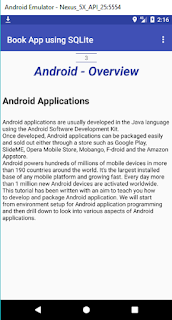
DESCRIPTION This tutorial is about creating the Book App using SQLite. I'll use Tabbed Activity, swipe to change the page. Each record in SQLite file contains Id(as page no), Chapter Name, Title, Detail. VIDEO SOURCE CODE Step 1: Create a new project OR Open your project (Use Tabbed Activity) Step 2: Create assets folder. Place 'mybook' SQLite file in assets folder Step 3: Code Model.java package com . blogspot . devofandroid . bookappusingsqlite ; public class Model { int ids ; String chapters ; String titles ; String details ; //constructor public Model ( int ids , String chapters , String titles , String details ) { this . ids = ids ; this . chapters = chapters ; this . titles = titles ; this . details = details ; } public ...